

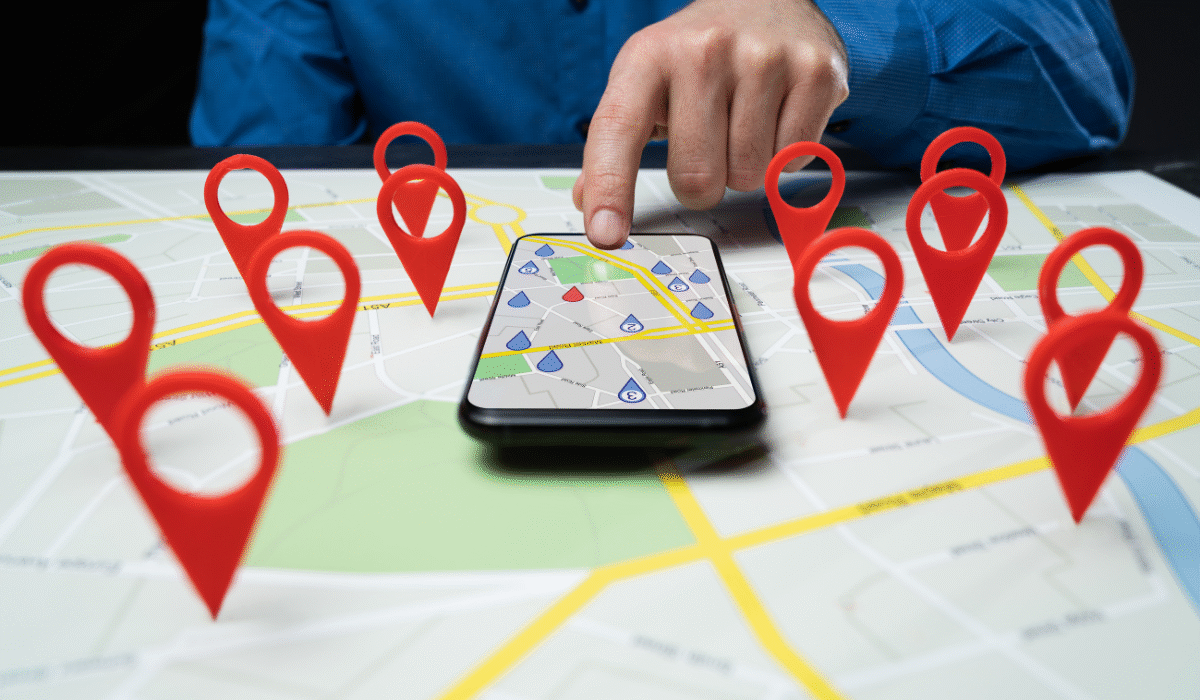
Getting your business to show up at the top of Google Maps can feel like cracking a secret code. But here’s the good news: it’s not as complicated as you might think. When someone searches for a coffee shop, plumber, or hair salon near them, you want your business to be one of the first three results they see. Let me walk you through exactly how to make that happen.
Start With Google Business Profile
Think of your Google Business Profile as your digital storefront. If you haven’t claimed yours yet, that’s step one. Head to google.com/business and claim your listing. Google will verify you’re actually the business owner, usually by sending a postcard with a code to your address.
Once you’re in, fill out every single field. I mean everything. Your business name, address, phone number, website, hours, and categories. Google loves complete profiles, and customers do too. Nobody wants to show up at your store only to find out you’re closed because your hours weren’t listed.
Get More Reviews (The Right Way)
Reviews are absolute gold for Google Maps rankings. The businesses with tons of recent, positive reviews tend to sit at the top. But here’s the thing: you can’t fake this.
Ask your happy customers to leave reviews. Send them a direct link right after they’ve had a great experience with you. Make it easy for them. You can respond to reviews too, and you should—both positive and negative ones. This shows Google and potential customers that you’re actively engaged with your community.
Just don’t buy fake reviews or offer discounts in exchange for reviews. Google will catch on, and the penalties aren’t worth it.
Use the Right Keywords
When you’re creating a post about your business or updating your business description, think of words that your customers use when they do searches. If you operate if you are a restaurant located in downtown Chicago, “Chicago deep dish pizza” and “pizza delivery downtown Chicago” will be more relevant than simply using non–specific words or phrases to describe your business.
Keep Your Information Consistent Everywhere
Google checks whether your business information matches across the web. Your name, address, and phone number should be identical on your website, Facebook page, Yelp listing, and anywhere else you’re listed online.
Even small differences can confuse Google. “Street” versus “St.” or including a suite number on one site but not another can hurt you. Do a quick audit and make sure everything matches perfectly.
Add Photos and Videos
Businesses that use images receive more clicks and engagement. Google recognizes this. To build trust with Google, upload high-quality images of your storefront, products, team, and interior spaces. Regularly updating your photos is also important so Google knows you are active and engaged.
If possible, provide a brief virtual tour via video to share with users. Visual content establishes trust with users and gives them more reason to remain on your listing, which indicates to Google that users are interested in your company.
Post Regular Updates
You can use the Google Business Profile to create posts similar to what you would create on social media. Share your latest promotions, new products, upcoming events, and helpful tips related to your industry.
Respond to Questions
People can ask questions directly on your Google Business Profile. Check these regularly and answer them thoroughly and quickly. If common questions keep popping up, add them to your FAQ section on your profile or website.
Quick responses show both Google and potential customers that you’re attentive and ready to help.
Build Local Links
When other local websites link to your business website, it boosts your credibility in Google’s eyes. Get involved in your community. Sponsor a local event, join the chamber of commerce, or partner with other local businesses. Many of these activities result in your website being mentioned or linked from their sites.
Local newspapers, community blogs, and business directories are all valuable sources of links that tell Google you’re a legitimate, established local business.
Use Relevant Categories
When setting up your profile, Google lets you choose business categories. Pick the one that best describes what you do as your primary category, then add relevant secondary categories. A restaurant might choose “Italian Restaurant” as primary and add “Pizza Restaurant” and “Wine Bar” as secondary categories.
Don’t choose categories that don’t truly represent your business just because they’re popular. Accuracy matters more than gaming the system.
Track Your Progress
Each month, you can use your Google Business Profile’s built-in insights section to see how people are finding your listing, the actions they are taking from those listings, and how your business compares to other businesses with similar offerings. Regular monitoring of the insights for your Google Business Profile will help you identify what’s working, as well as what you should work on.
When you see certain search terms bringing in traffic to your profile, focus more on incorporating those keywords in your business information. If you see people are frequently viewing the photos you have posted, continue to upload more photos.
Be Patient But Consistent
Raising your rank on Google Maps takes time; a lot of time (weeks, months) and patience combined with consistent effort. If you follow these tips and maintain an active Google Business Profile, you will be able to move up in the Google Maps search results over time.
The businesses that are currently being ranked highest on Google Maps are not necessarily the largest or the oldest. They are simply the businesses that continuously deliver to Google what it wants, including: accurate business information, interaction with customers, regular updates (or new content), and trust signals (i.e. reviews and ratings) from people who trust and value their services.
Start with the basics today, and build from there. Your future customers are searching right now- make sure they can find you.